Give us a call
920-423-3309
Email us
info@fuelmotousa.com
Connect PV3 to your vehicle
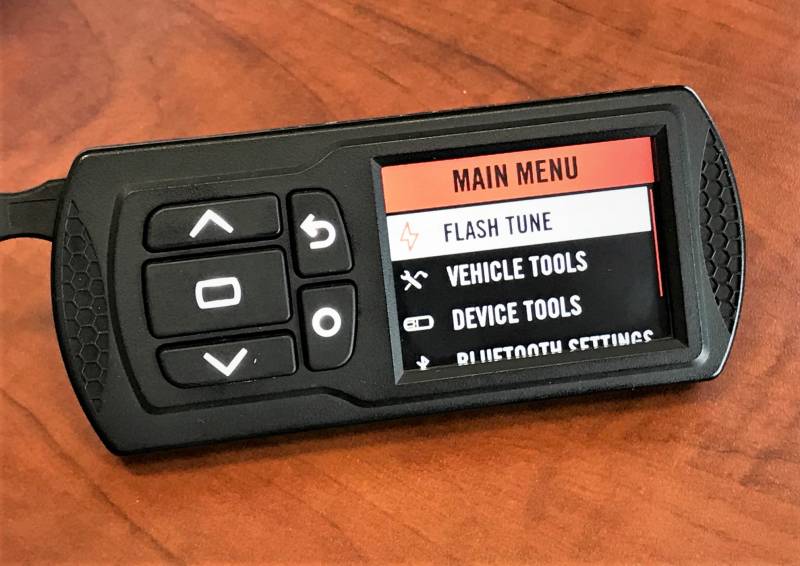
Connect the PV3 to the dataport on your vehicle. Turn the ignition/run switch to the on position, this will create a new PVINFO.TXT file based on the connected vehicle
Retrieve PVINFO.TXT and email file
Connect the PV3 to your computer via USB, it will recognize the device as POWERVISION. Open this drive and either save the PV_INFO.TXT to your computer or simply open this drive from your email. You will attach the PV_INFO.TXT to the email and send this file to info@fuelmotousa.com Please include the following information in this email:
Applying license & Tune files
Once we receive your information and PV_INFO.TXT we will generate and email you the following:
You will then save these files to your PV3. You will plug in your PV3 via USB and can save them directly to the POWERVISION, or you can drag and drop them into the POWERVISION drive. You can now flash the PV3 DJT tune file to your ECU.
If you are purchasing a PV4 tune license:
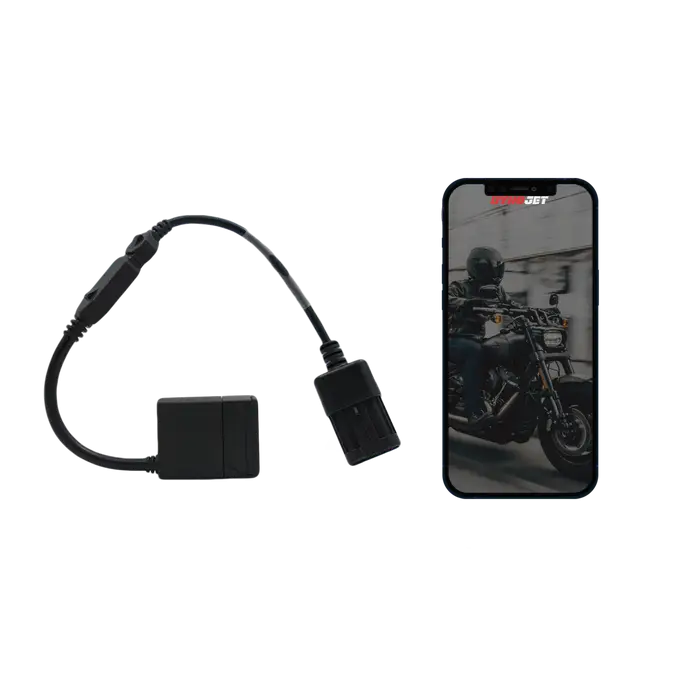
Fuel Moto will send tokens to your Dynojet account. Once you have received those tokens, you are able to generate the license for your new bike at any time. Make sure if you are licensing a different brand of vehicle than your previous that you update your device's firmware to the corresponding manufacturer under "Device Info" in the app.
Fuel Moto will require your ECU information to provide the proper custom tune. Please send either of the following below to info@fuelmotousa.com after you've connected to the new bike to receive your custom tune.
Option A: a screenshot of your app's main menu.
Option B: the alphanumeric sequence listed after "Tune Compat" and "Checksum" in your app's main menu.
Once we have received that information, we will share the proper custom tune to your app and you will be ready to flash!